The full tour

Everything NetQuiid does, in detail.

Eleven features in four parts: plan your money, protect it from surprise charges, recover what you're owed, and share the household bills. Every one of them works in the app today.

01

Plan

Know what's safe today, and what's coming next.

Safe-to-Spend

Know what you can safely spend before payday

One number that tells you what's really free to spend. NetQuiid starts from the money in your current account, sets aside every bill and subscription still to come, keeps your safety buffer protected and shows what's left.

  • See it until payday, for the next 7 days or to the end of the month
  • Pending card payments are set aside and overdrafts are never counted as your money
  • "How it's worked out" shows every step from your balance to the number
  • Check a purchase with "Can I afford it?" before you buy
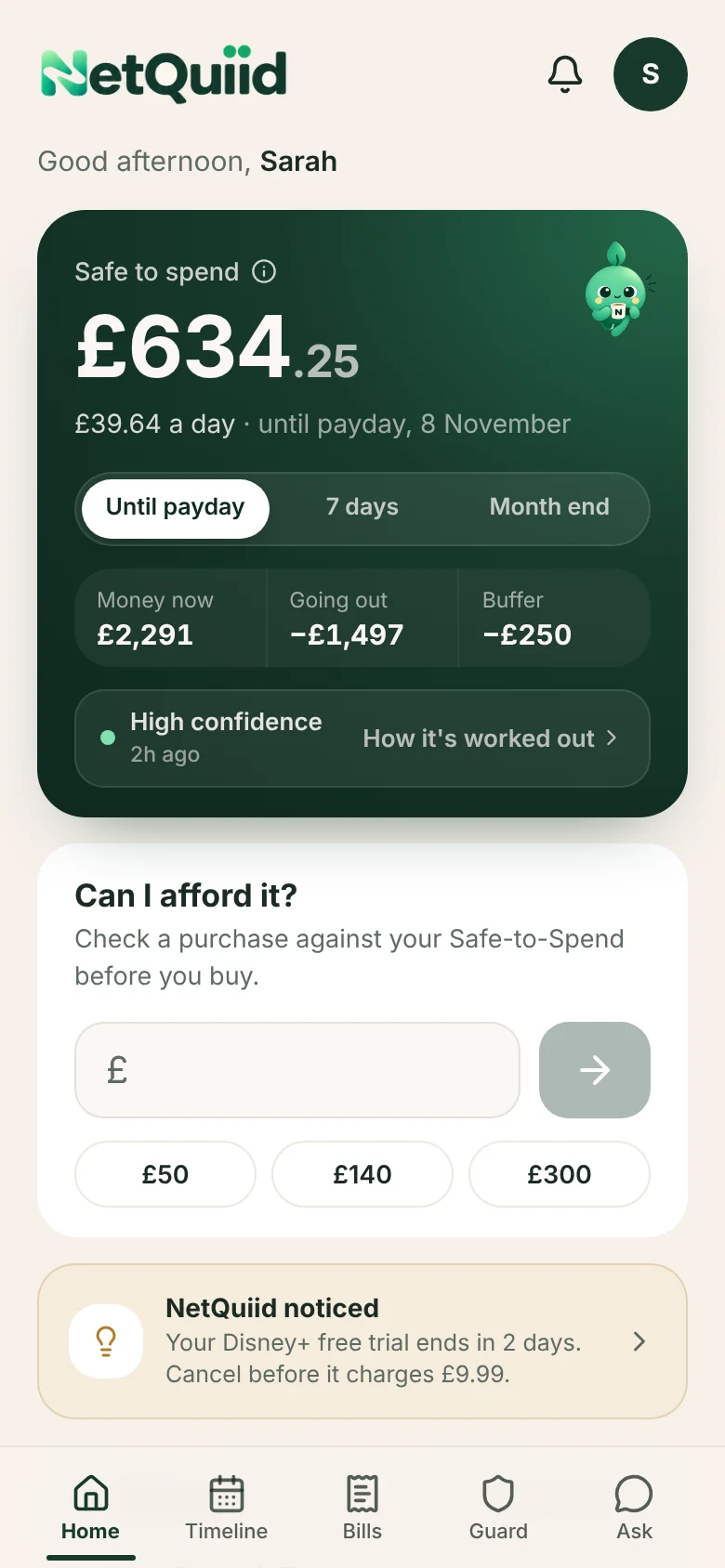
NetQuiid app screen: Safe-to-Spend
Real app screen with example data.

Money Timeline

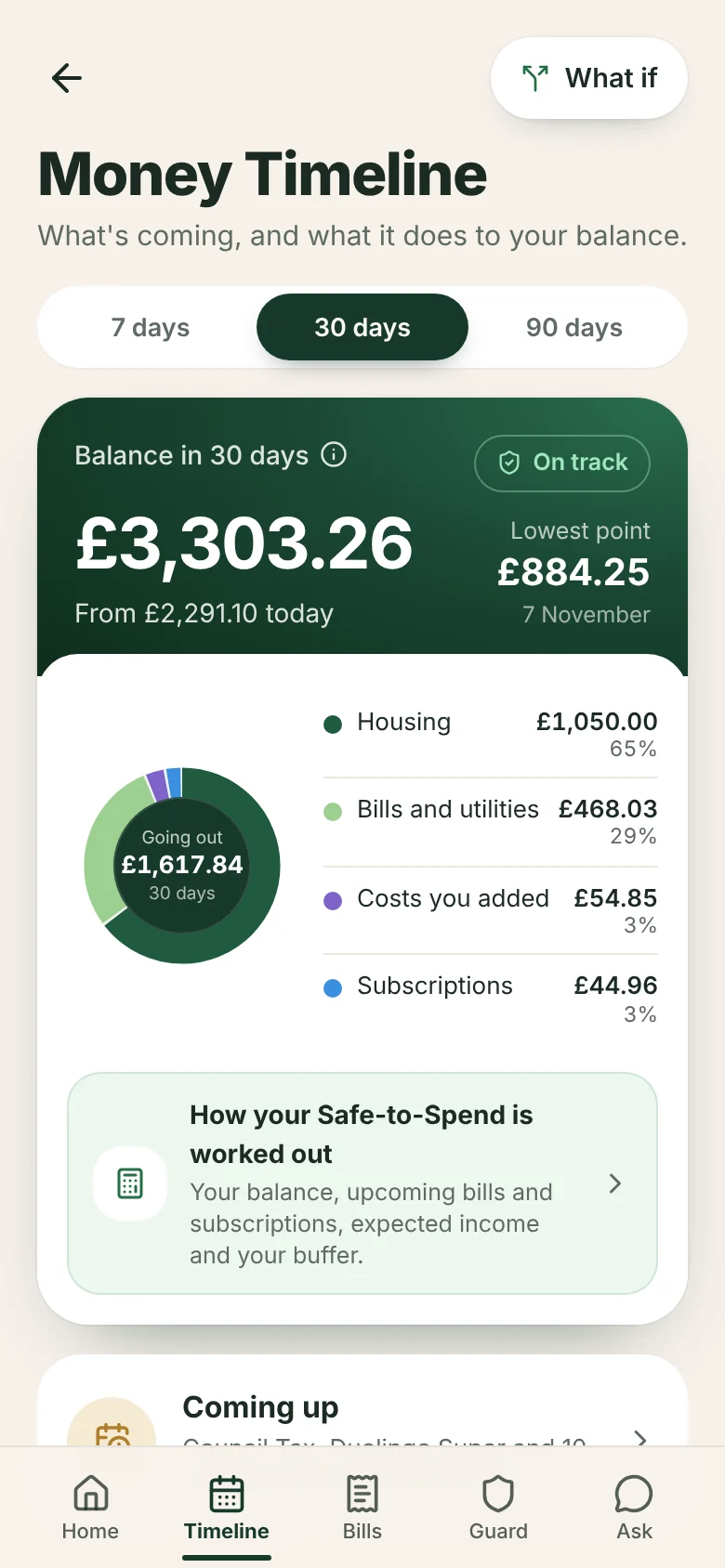
See your balance 7, 30 or 90 days ahead

A cash flow forecast for everyday life. The Money Timeline shows the balance you can expect, your lowest point and the date it happens, and where your money is going: housing, bills and utilities, subscriptions and loans.

  • A clear status: on track, tight spot ahead or could go overdrawn
  • Every upcoming payment, with how sure we are of the amount
  • Spots regular money coming in and suggests adding it, never without your say
  • A morning alert when a payment in the next 3 days could take you below your buffer or below zero
NetQuiid app screen: Money Timeline
Real app screen with example data.

What if

Try a decision before you make it

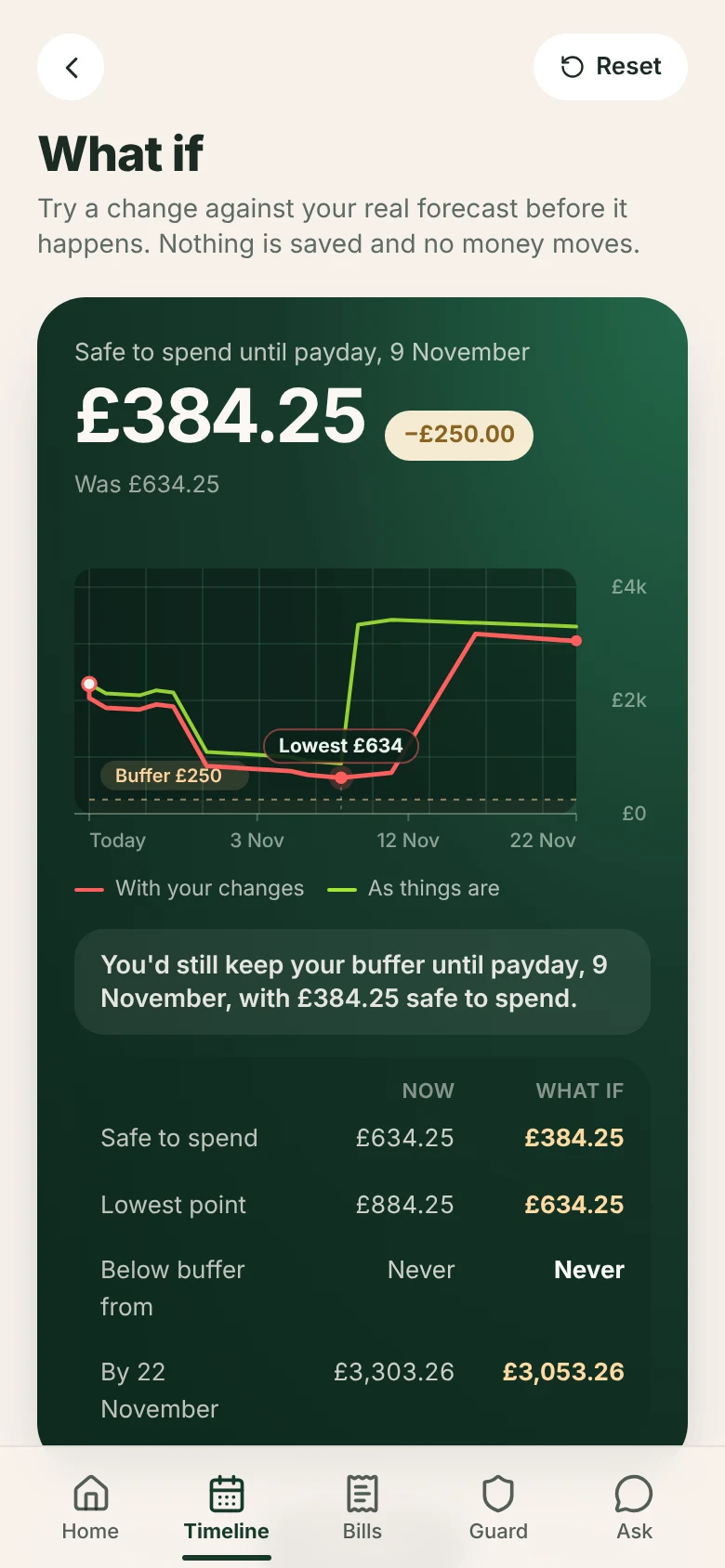
What happens if you book that trip, your pay comes a week late or a bill goes up? Try it and see the effect on your Safe-to-Spend, your lowest point and the day you'd dip below your buffer, side by side with today.

  • Purchases, late or missed pay, pay changes, unexpected costs, new bills and more
  • Combine several changes at once
  • Keep a what-if and it's worked out again from today's figures each time
  • Trying a what-if never changes your real figures
NetQuiid app screen: What if
Real app screen with example data.

Income that varies

Built for shifts, freelance work and tips

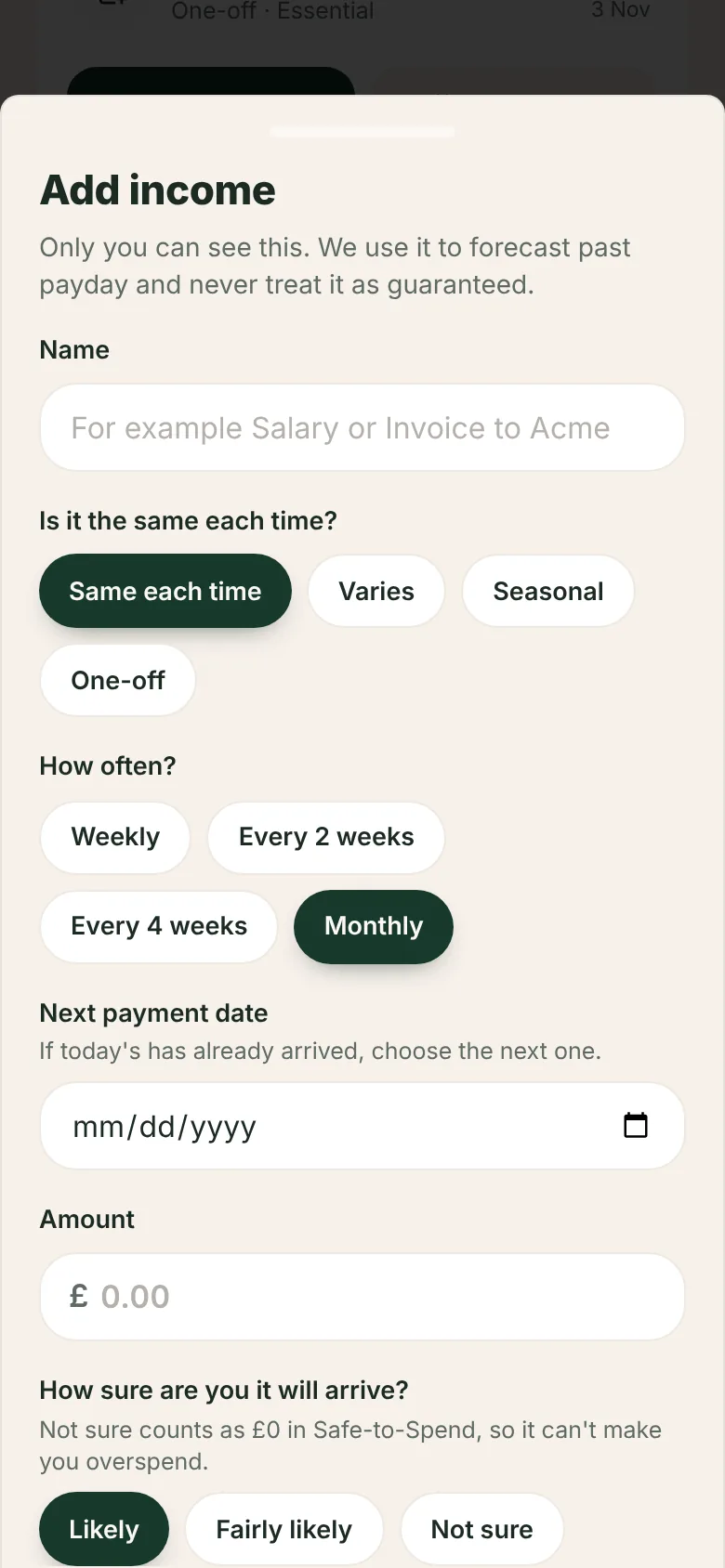
Not everyone is paid the same amount on the same day each month. Add income weekly, every 2 or 4 weeks, monthly or as a one-off, and tell NetQuiid the lowest amount you'd expect. We plan with the lowest amount, so a quiet month doesn't catch you out.

  • Income you're not sure about counts as £0 in Safe-to-Spend
  • See a typical month alongside the cautious view
  • Add one-off costs like an MOT or a birthday on the day they're due
NetQuiid app screen: Income that varies
Real app screen with example data.

Help shape what comes next.

Join the community to vote on what we build next and be one of the first to use NetQuiid. Bank connections aren't available yet, so for now the app works from the information you add.